General
In FEPA, a standard printer and other printers can be assigned to a user. This is not done via the Windows user, but via the name of the computer (host name). This is done by IT. If there are no stored settings for the user/PC, FEPA uses the Windows default printer of the RDP session.
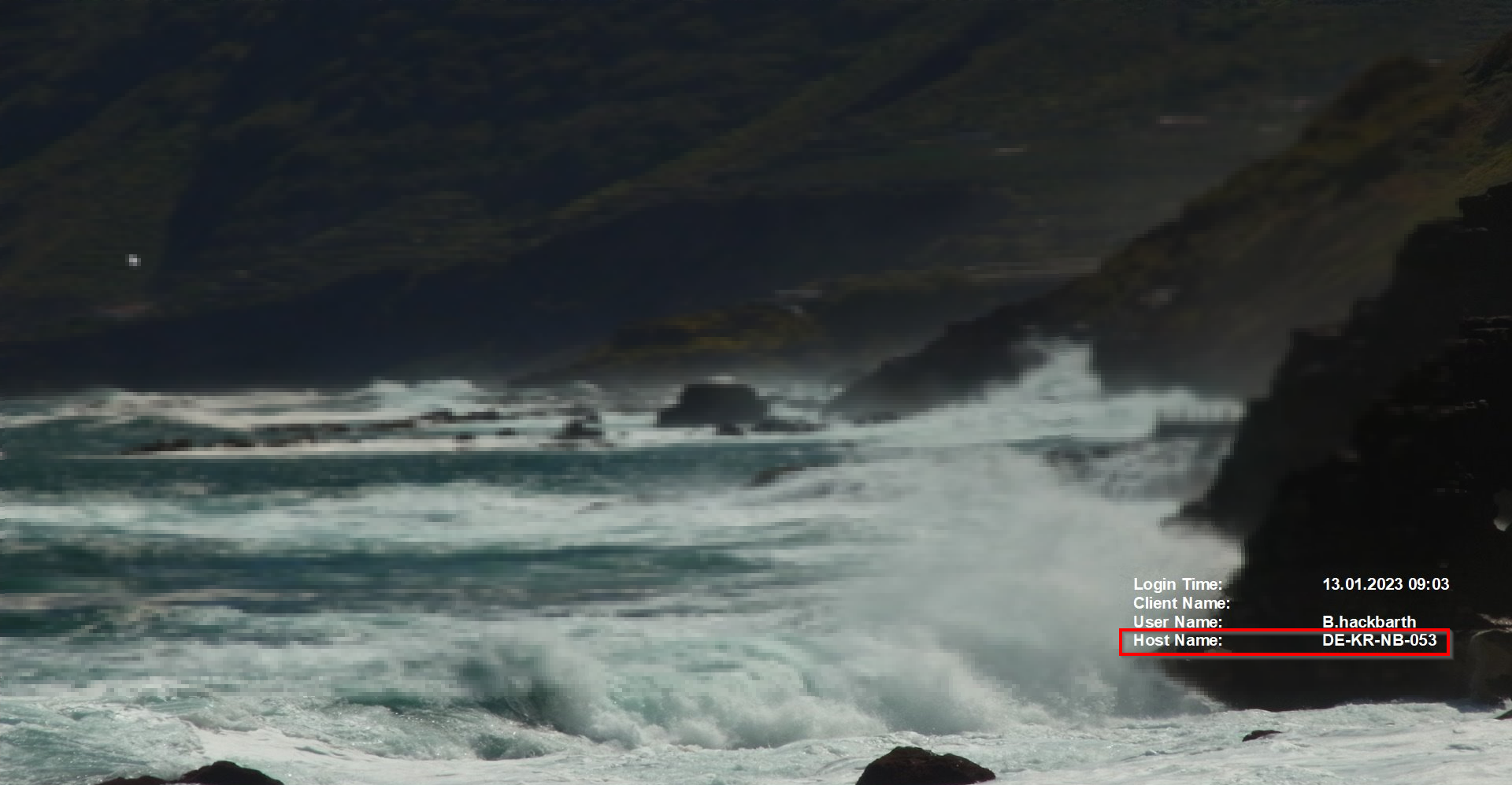
If forms are to be printed on certain printers, e.g. on letterhead paper, this must be set up by IT. To do this, send an email to the ticket system (it-support@gemo.de) stating the PC name/host name, the printer name and the desired forms. You will find the PC name/host name at the bottom right of your desktop.
Where can I find my computer name?
Display your desktop on the computer (not in the RDP session), at the bottom right you will find the display as shown in the picture. The "Host Name" is the name of your computer.