PPS-info
General
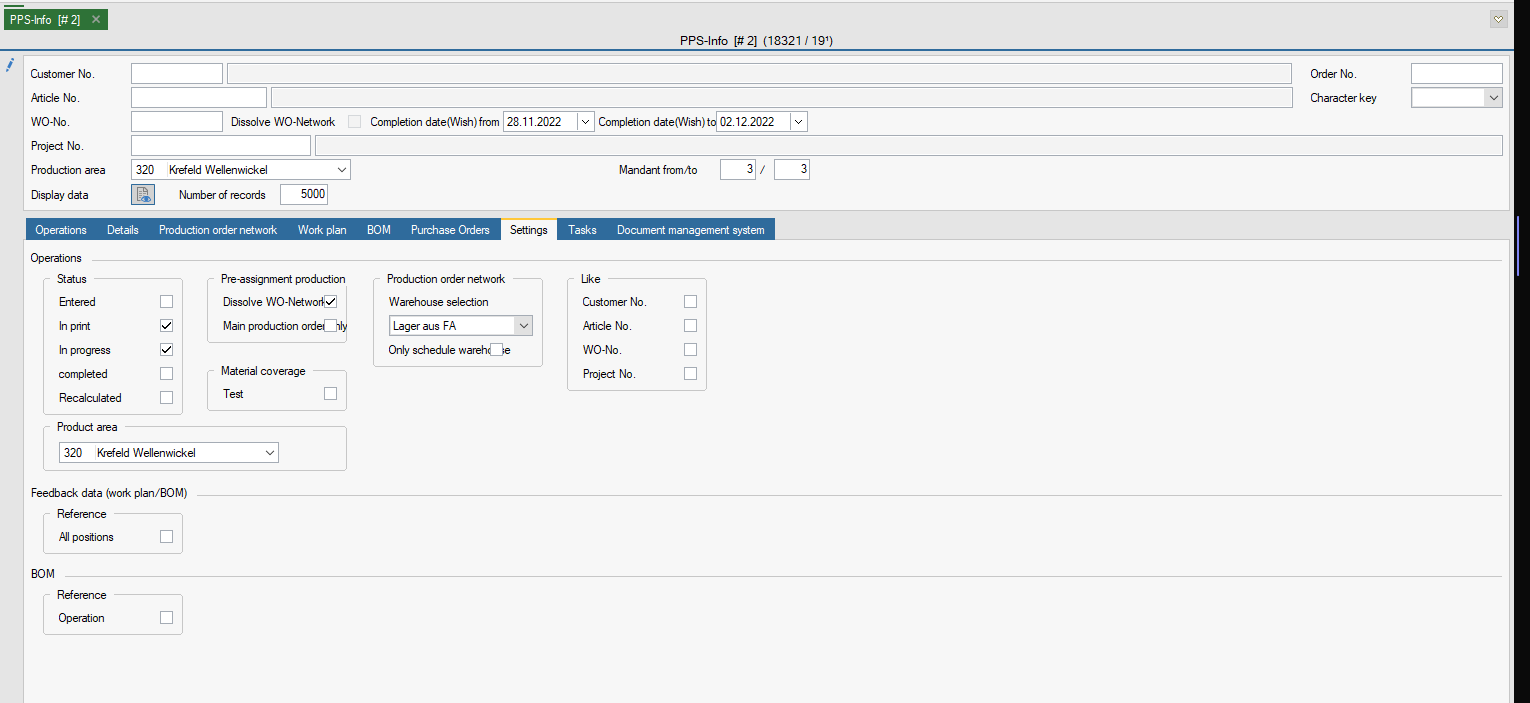
This function provides extensive information about the production area. In the Settings tab, you make a preselection of which data should be displayed. This can be saved.
FEPA function: Production > PPS Info
All fields in the upper part of the window offer selection options to limit the data display.

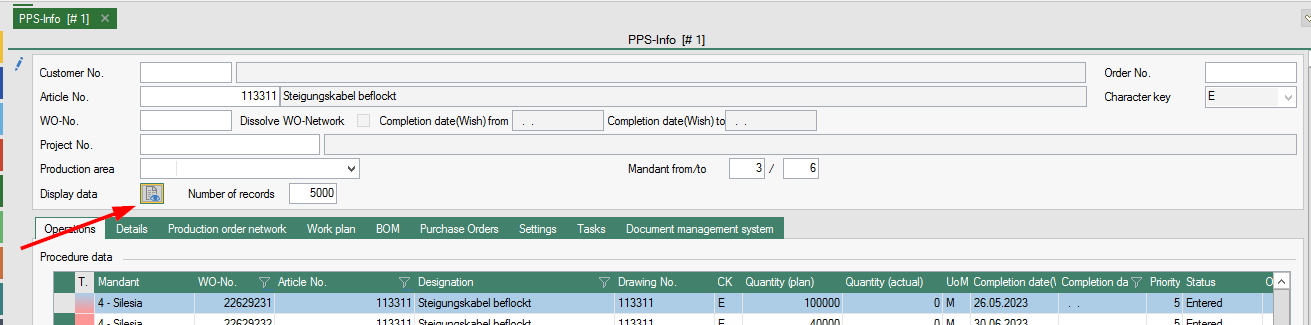
Weekly overview via PPS-info / settings
In the PPS info you can display all production orders (WO). In the settings you can define for yourself what you want to be displayed. With the check mark in the tool bar you can save your own settings.
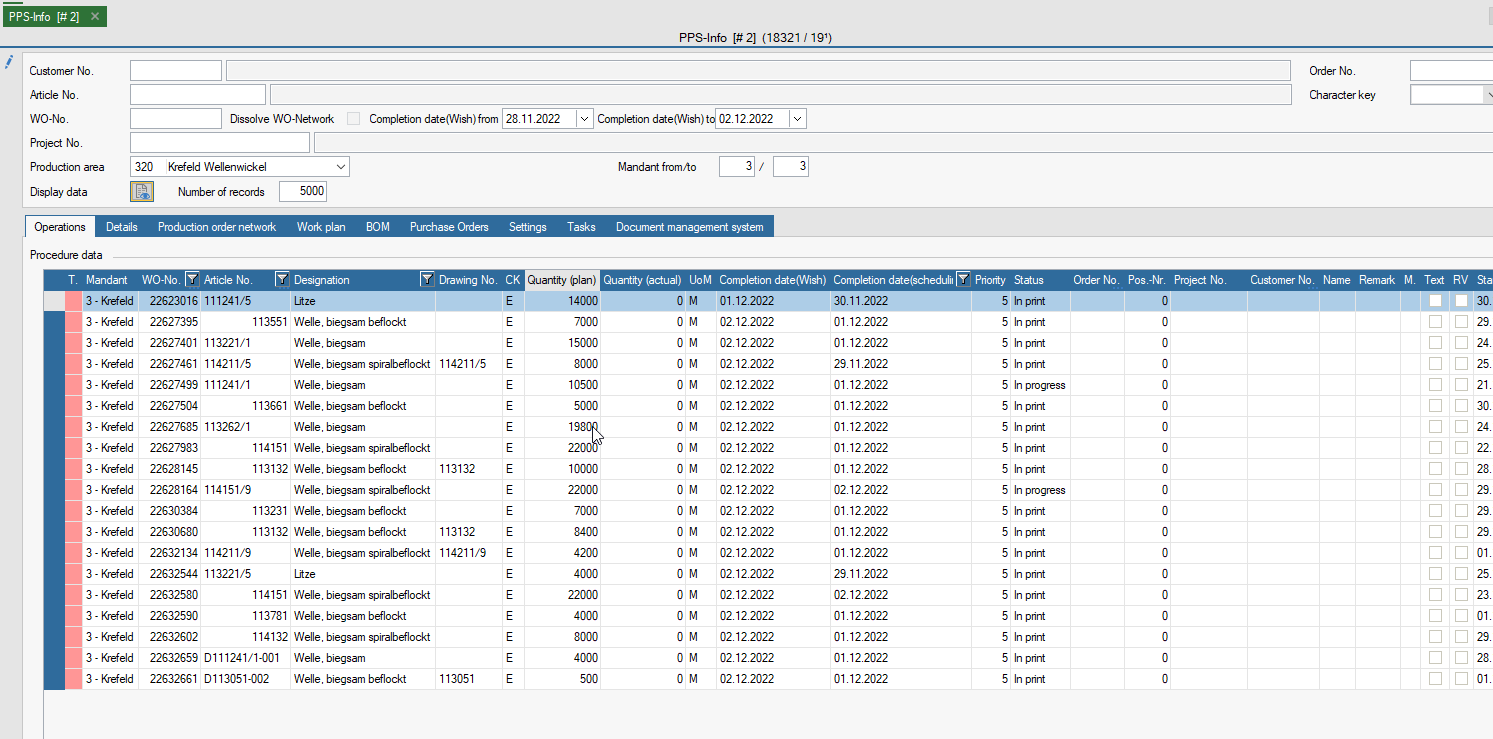
If the scheduling was used and all WO are fine planned, a weekly overview of the WO of the current calendar week can be made as follows.
Filtering:
- Settings tab: Only check the box for In print and in process. (if necessary, select your own product area)
- enter Completion date(wish) from until to date from e.g. Monday to Friday of the calendar week.
- field: enter client from "n" to "n".
- Click on the Display data button.

- now the corresponding calendar week is displayed on the tab Operations.